
What it is
Volume Scanner keeps a running session journal of option contracts showing anomalous activity — high volume against open interest, large premium, short expiration, out-of-the-money strikes. Each row is a timestamped detection, built from a chain scan across roughly the 1000 most options-active US underlyings plus a real-time feed for the largest contracts.
Open it
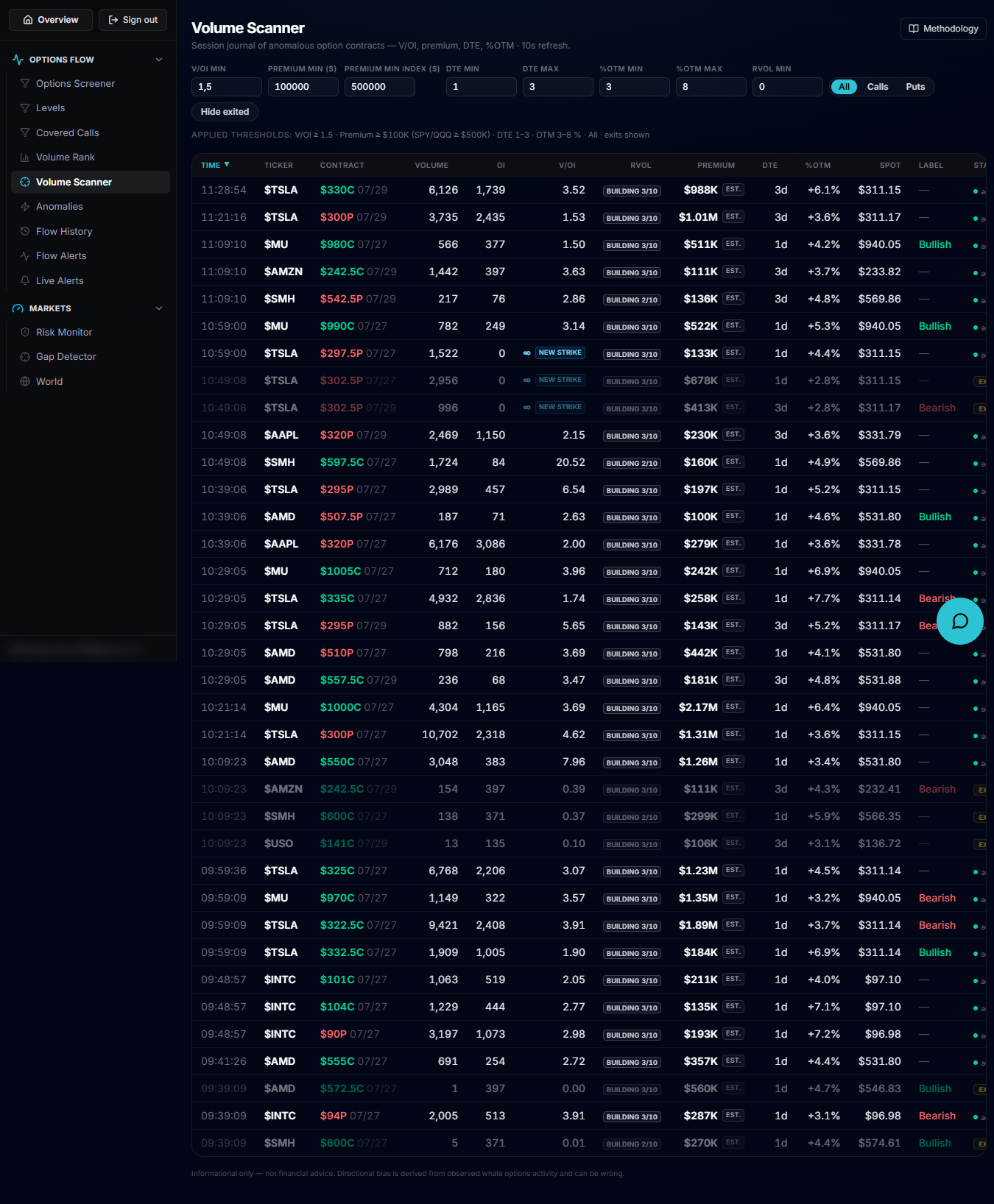
Use the left rail to open Volume Scanner, which loads at /account/volume-scanner, seeded under the default "Anomalies" preset.
The key filters
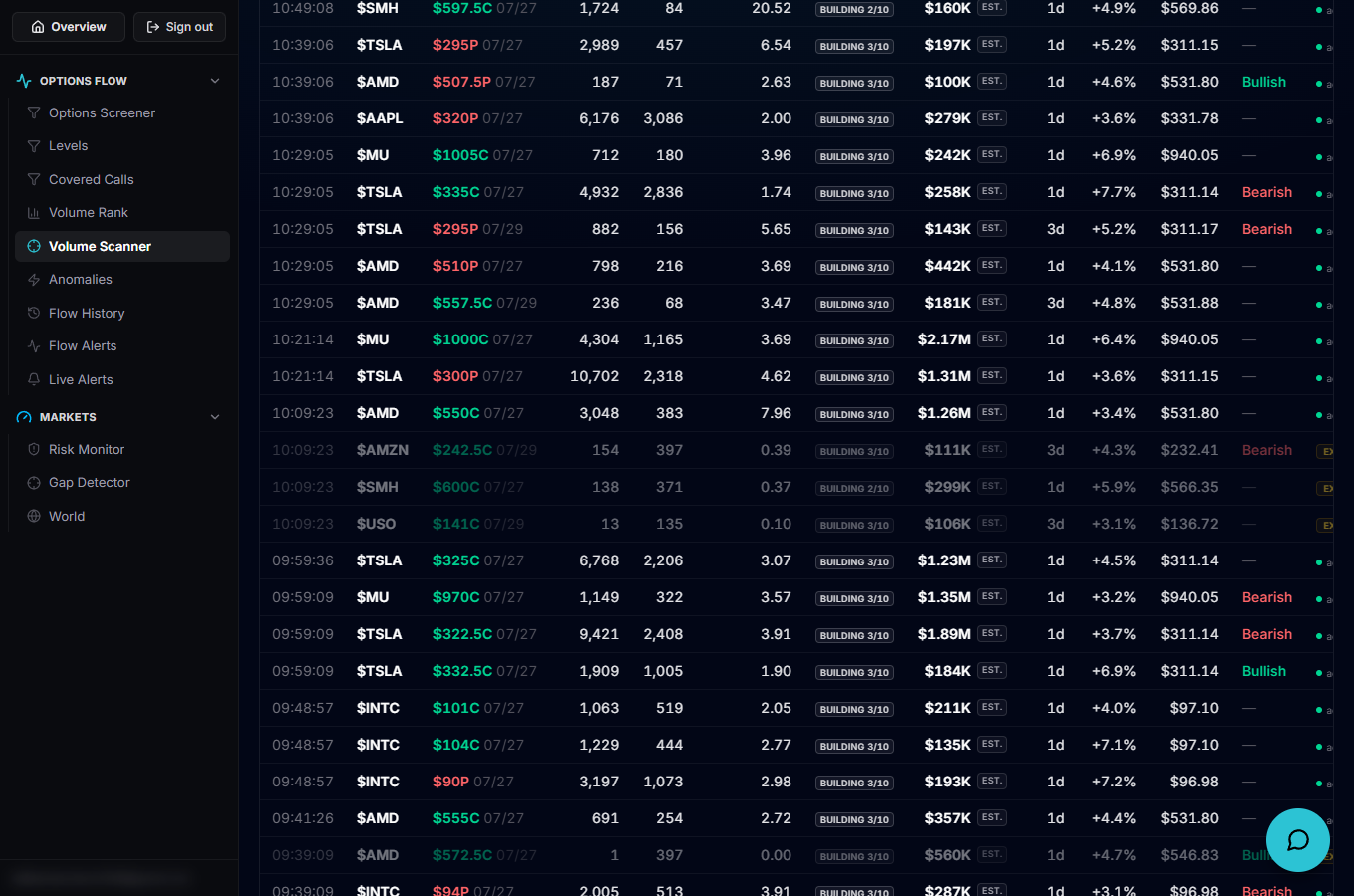
Numeric fields let you set V/OI min, Premium min (with a separate, higher default for index ETFs), a DTE min/max range, a %OTM min/max range and an RVOL min. A type toggle switches between All, Calls and Puts, and Hide exited hides rows that no longer qualify. A "Modified from preset" badge and Reset button appear once you've changed anything, and an "Applied thresholds" line echoes back exactly what the server used.
Read a row
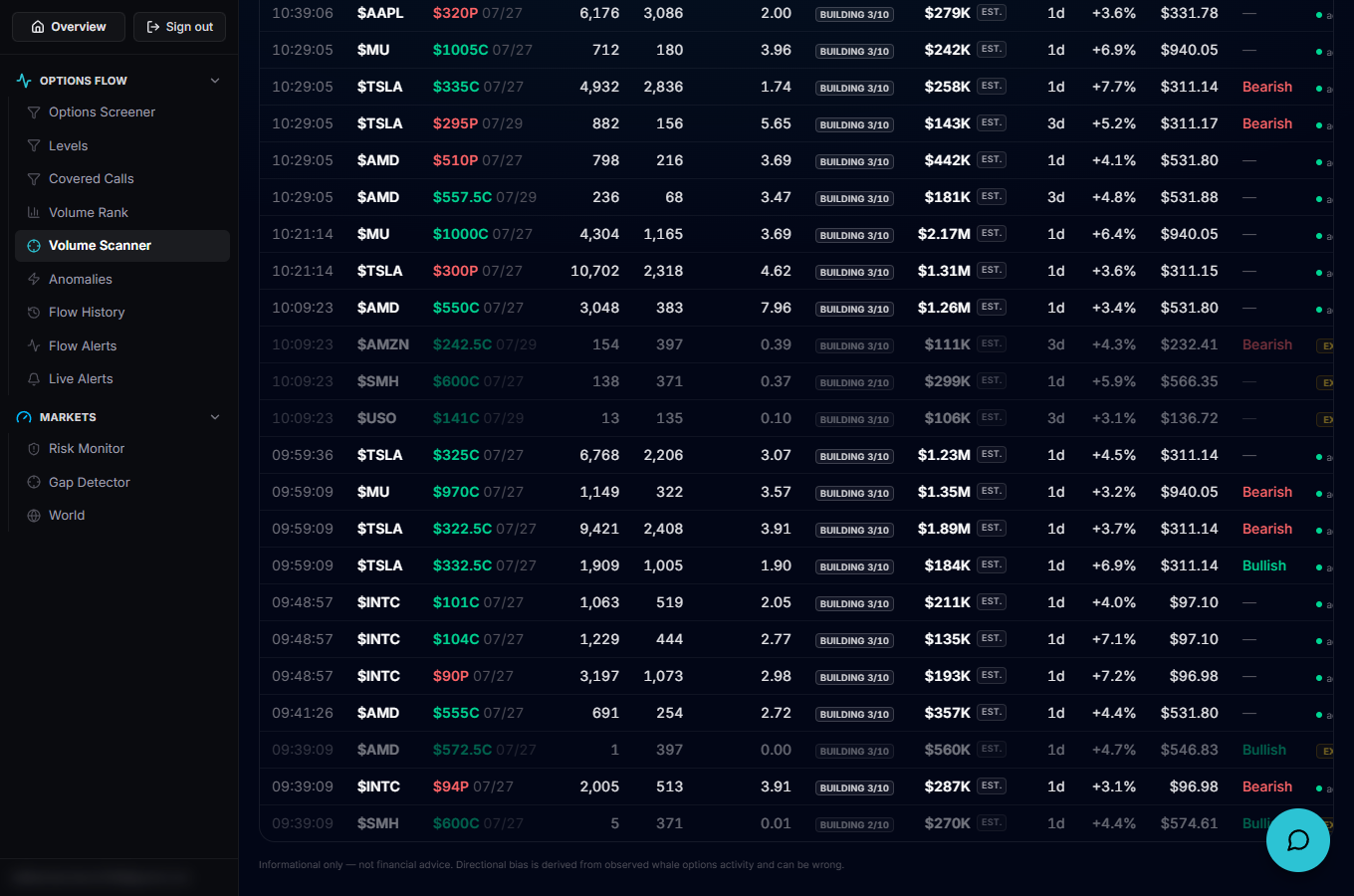
Columns show the detection Time, Ticker, Contract, Volume, OI, V/OI, RVOL, Premium (marked est. when it's a volume × VWAP estimate rather than an exact sum of real-time trades), DTE, %OTM, Spot, a Bullish/Bearish Label frozen at the moment of detection, and a Status column that greys out a row and marks it exited once it stops qualifying.
How the journal behaves
Nothing disappears mid-session: once a contract exits the criteria its row stays, greyed out and marked exited, and if it re-qualifies later a brand-new row (a new episode) is created with its own detection time. A banner warns when data may be stale (no update from either source in over 15 minutes) or when freshness is unknown, and another flags when the journal has hit its cap.
Put it to work
The default Anomalies preset excludes 0DTE contracts (DTE 1–3), since a high V/OI is almost universal on expiry day and would flood the list. To include 0DTE anomalies anyway, set the DTE min filter to 0 — every other threshold still applies.