Browsing Flow History
Browse and search past options flow — see how activity built up in a name over time.
What it is
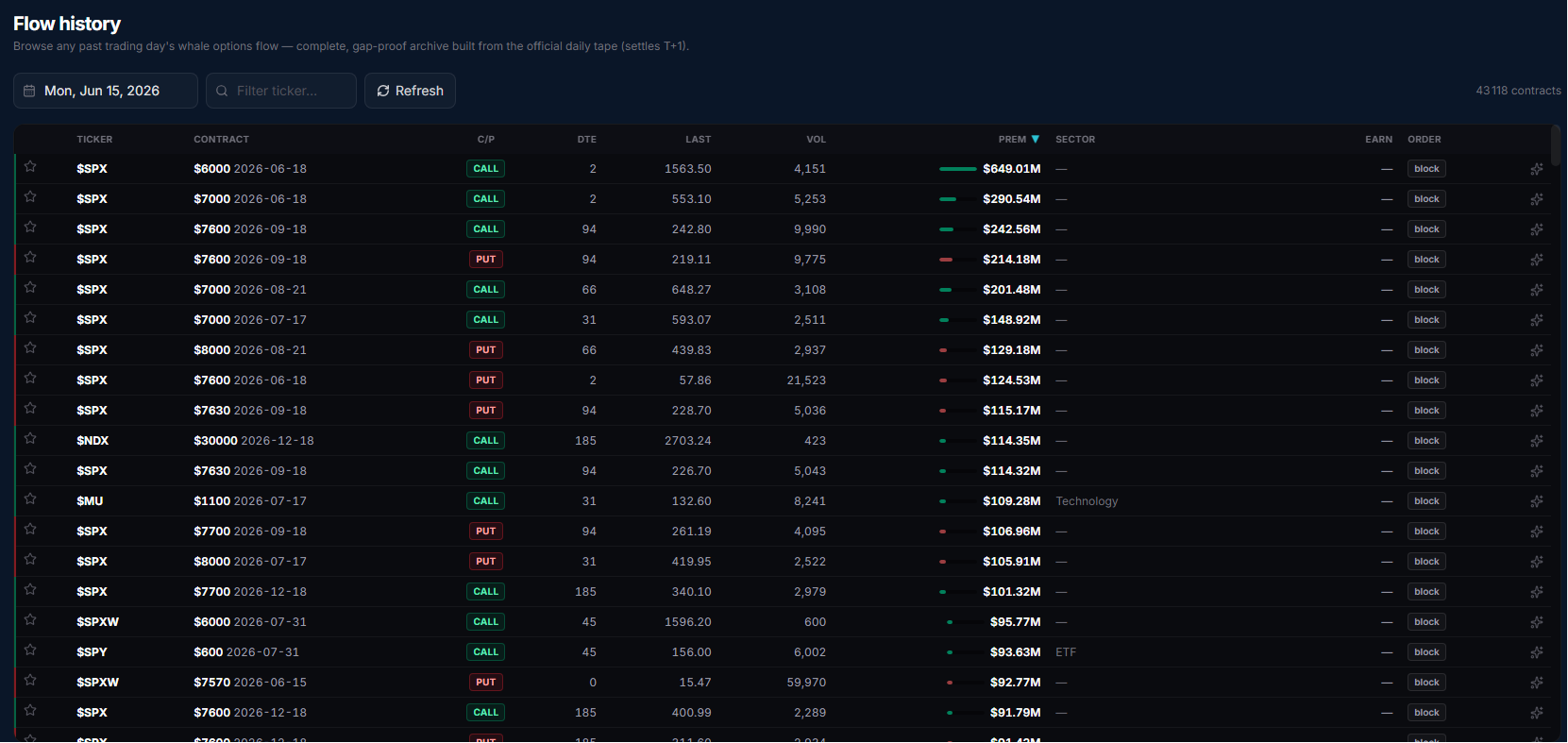
Flow History is the archived, searchable counterpart to the live flow table: instead of a real-time stream, it replays any past, closed trading day's whale options activity from the official daily tape. Because that archive settles T+1 and comes from a flat-file trade tape rather than a live chain, archived rows carry ticker, contract, volume and premium, but not open interest, IV, spot price or the Greeks — those columns are hidden to keep the historical view honest about what it actually knows.
Open it
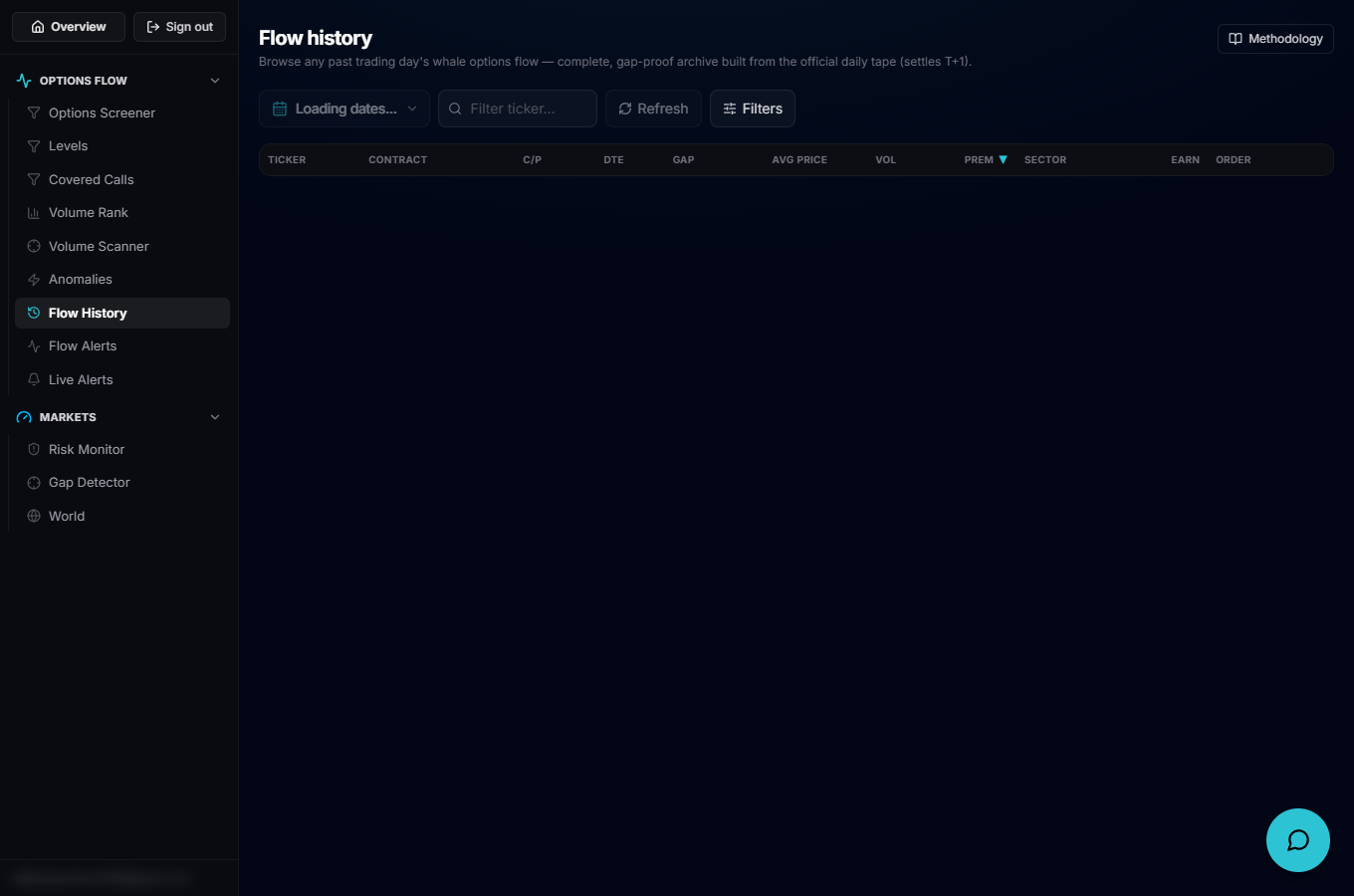
Use the left rail to open Flow History, which loads at /account/history inside the same dashboard shell as Live Options Flow. An active subscription is required; without one you see a "View plans" prompt instead of the explorer.
Pick a day and narrow it down
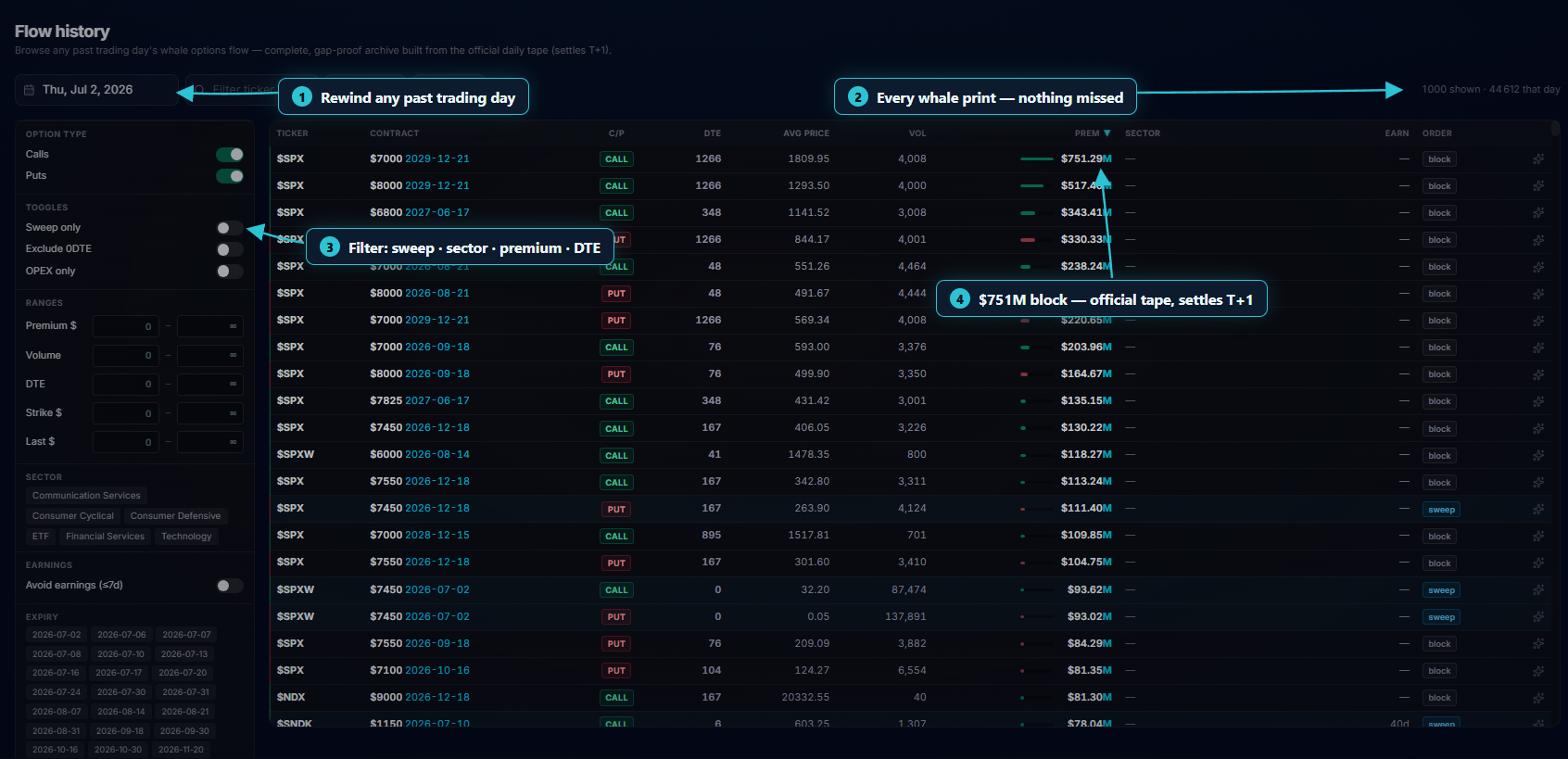
The date picker opens a calendar popover: only days with archived flow are clickable (marked with a dot), a month/year selector jumps around quickly, and a "Latest day" shortcut snaps back to the most recent archive. Alongside it, a ticker box filters the loaded day to one symbol, Refresh reloads the current day/ticker combo, and Filters opens the same range and toggle filters as the live screener, applied client-side to whatever rows are already loaded.
Reading the table
Each selected day loads up to its top 1,000 rows by premium. Columns are ticker, contract, type, DTE, gap, last, volume, premium, sector, earnings and order — the reduced set that a trade-tape archive can actually support. A header line shows how many rows are shown after filters versus the total for that day, and clicking a column header re-sorts (premium descending is the default).
Go deeper on a contract
Click a row to expand it, same as on the live table: a drawer opens with that contract's volume/open-interest history and an intraday chart overlaying the underlying's price for the archived session, with arrow markers on the executions the tape recorded that day.