What it is
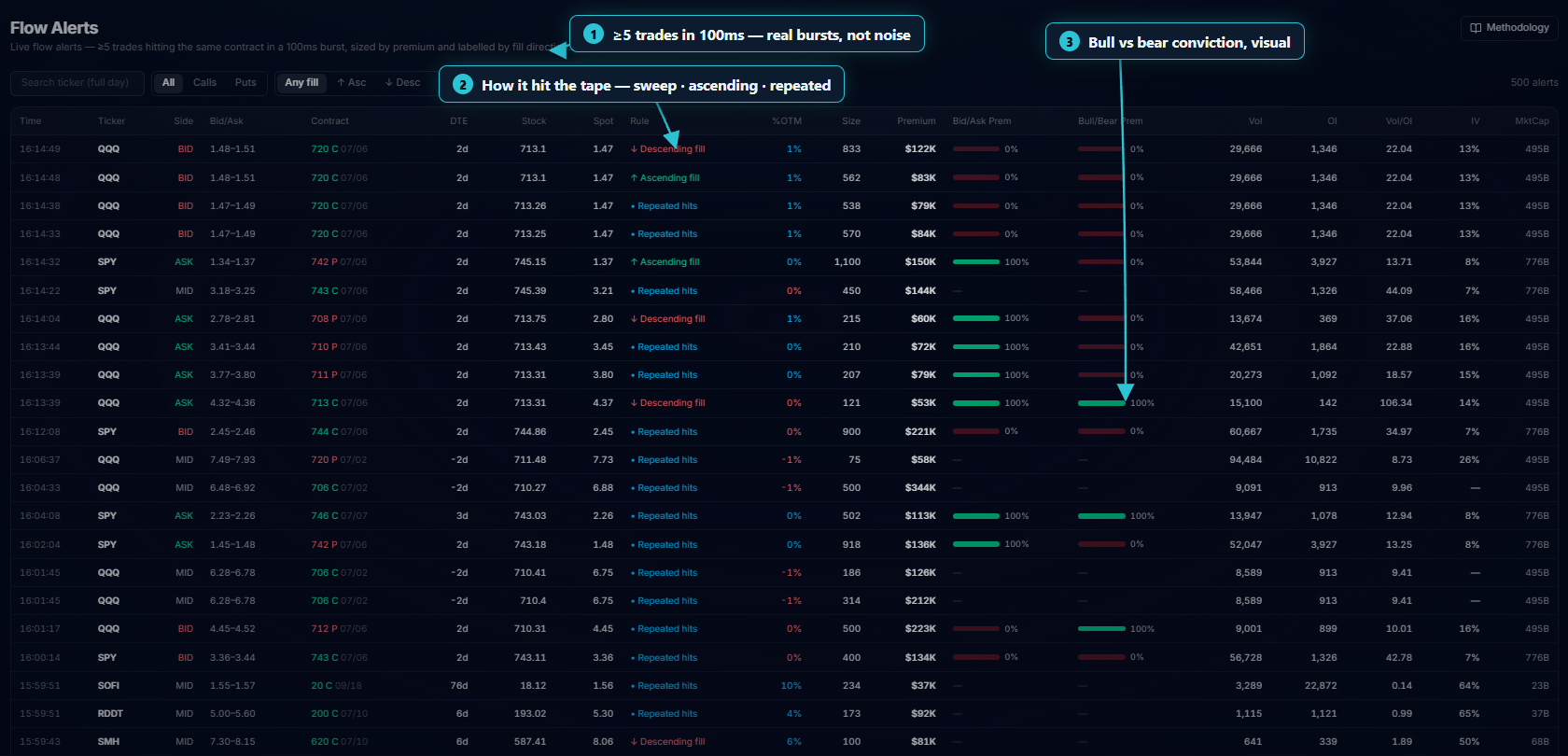
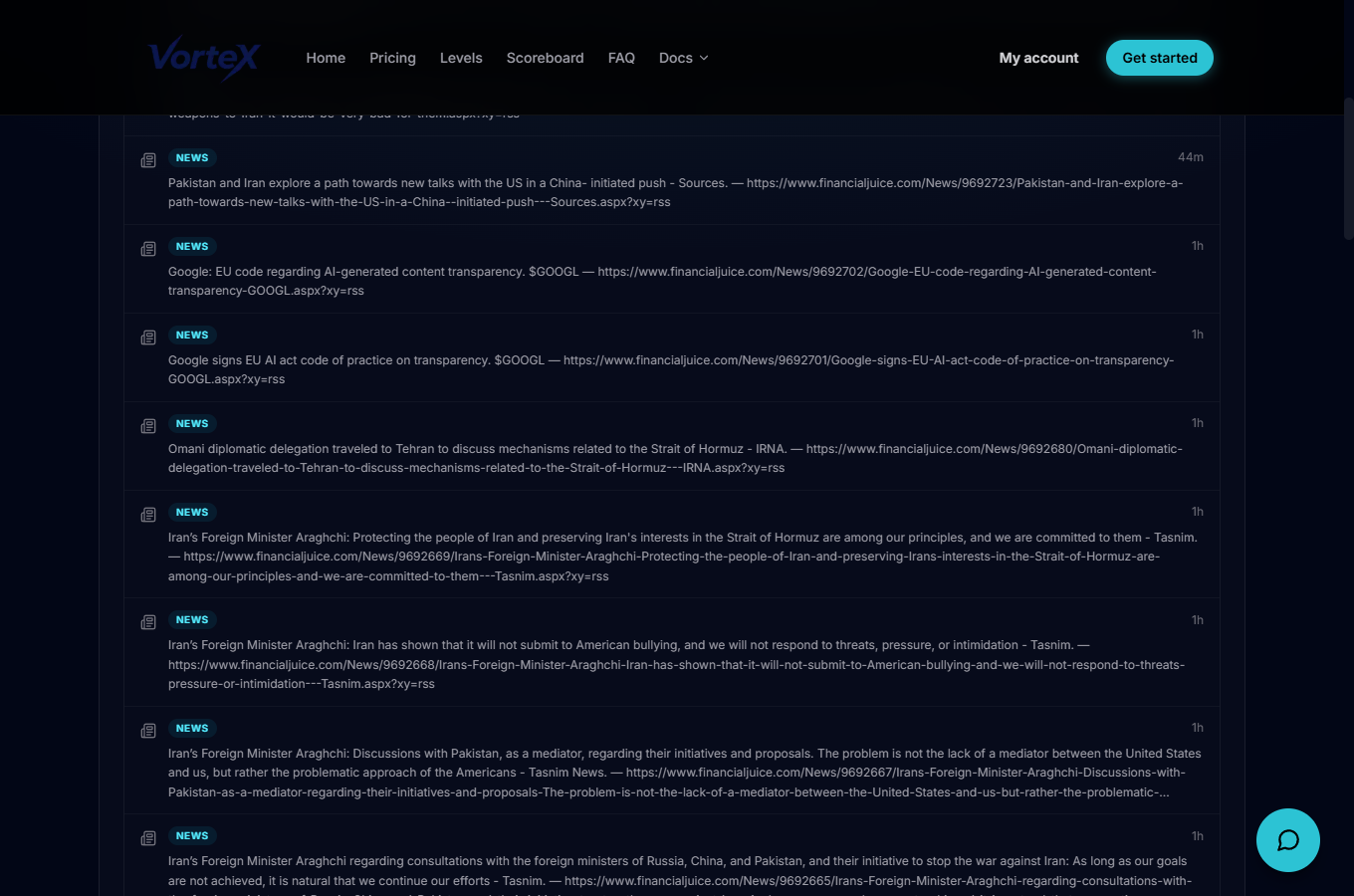
Bot Feed is a running feed of every alert the bot has fired for your server (or the public feed, for dashboard-only plans) — trade signals, passthrough messages, IPO alerts, market alerts and news — arriving in the browser the same way they arrive in Discord, without needing to have Discord open.
Open it
Use the left rail to open Bot Feed, which loads at /account/live. It requires an active subscription; discord-owner plans also need a Discord server linked (dashboard-only plans always use the public feed). If either condition isn't met you see a prompt to view plans or link your server instead of the feed.
Filter and pause
Type chips across the top — All, Signals, Passthrough, IPO, Market, News — filter the feed to one kind of alert and show a live count for each. A Pause button on the header stops new alerts from streaming in so you can read a burst without it scrolling on you; Resume picks the poll back up.
Reading a row
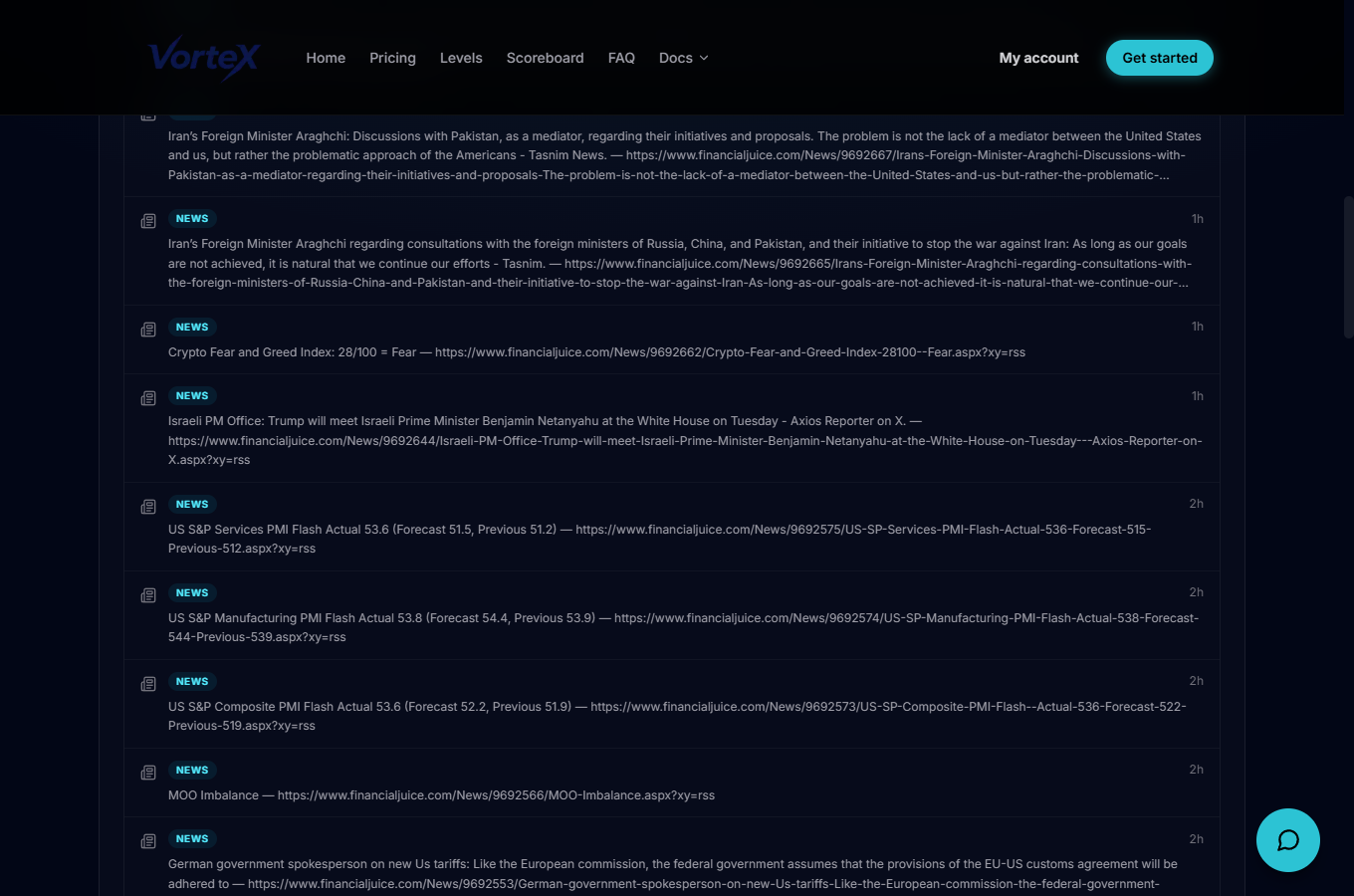
Each row shows a type badge, the ticker (when there is one), a Long/Short/Exit side badge, and how long ago it fired. Trade signal alerts additionally show entry, target and stop prices; passthrough, market, news and exit alerts instead show their free-form message text. The feed polls for new alerts every 5 seconds, and a row that just arrived is briefly highlighted so it stands out from the rest.
Put it to work
Filter down to Signals and pause the feed when several fire close together, so you can read entry/target/stop for each without new rows pushing them down while you look. The brief highlight on freshly-arrived rows makes it easy to spot exactly what just triggered when you resume.